Foodservice ERP:
buy, integrate or build?
A practical guide for UK foodservice wholesalers deciding whether to replace a core system, connect the software they have, or build the operational workflow that is still missing.
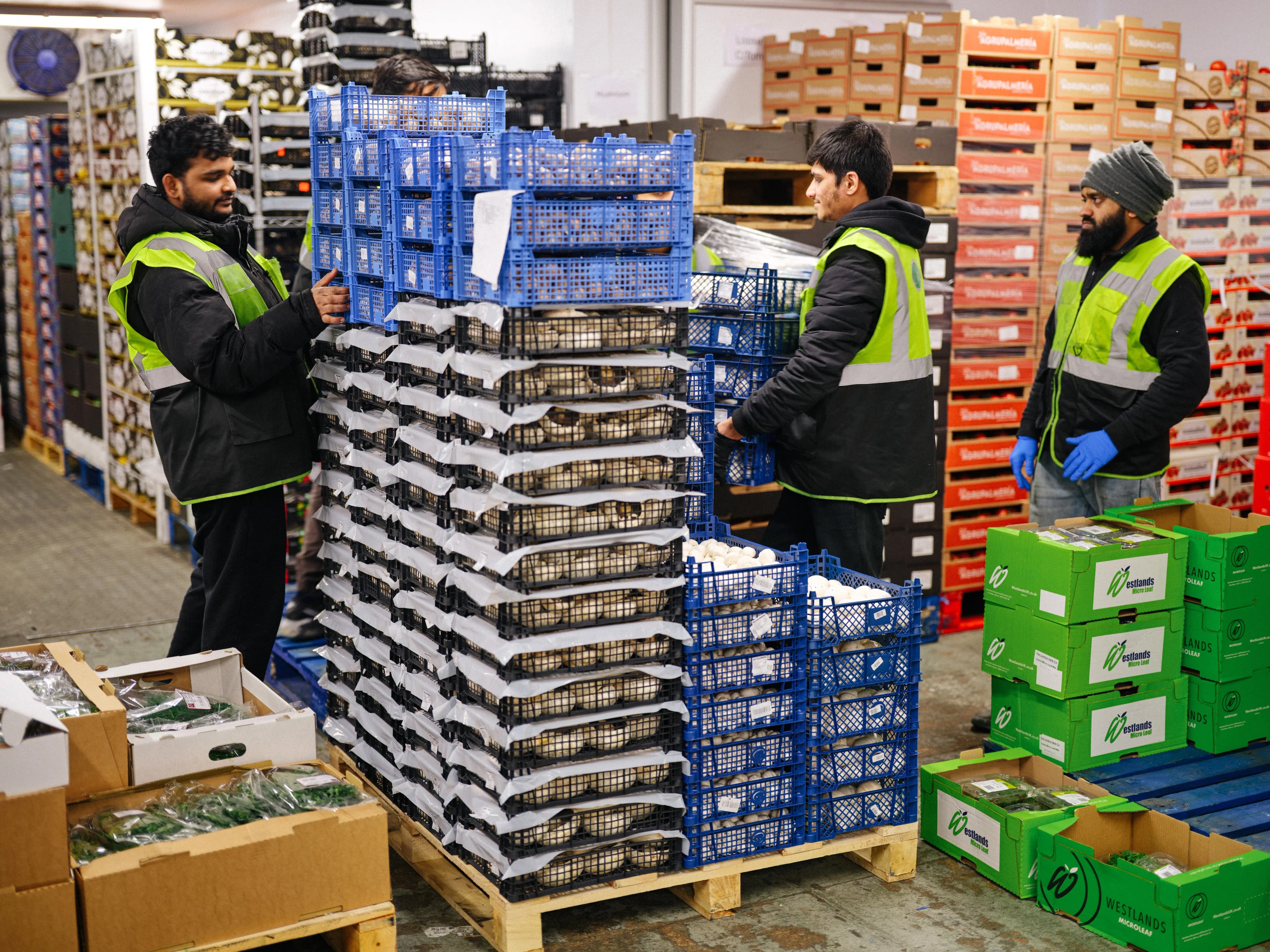
Choose the smallest change that fixes the flow.
An ERP selection should begin with the broken operational flow, not a feature catalogue. If the existing system keeps trustworthy product, customer, stock or finance records, replacing it may add risk without removing the real bottleneck. The decision is about where standardisation helps and where the operation needs a deliberate connection or custom workflow.
Buy a packaged ERP
Best when the operation can adopt a proven industry process and needs broad capability more than a distinctive workflow.
Integrate what already works
Best when the core records are dependable but orders, warehouse activity, delivery and reporting are separated by manual handoffs.
Build the missing workflow
Best when the way you price, pick, plan or serve customers is commercially important and generic software flattens that advantage.
Compare replacement, integration and bespoke software.
Scroll horizontally to compare all four columns →
| Option | Strongest fit | Main risk | Sensible first move |
|---|---|---|---|
| Packaged food wholesale ERP | Broad standard capability is missing and the business can adopt the package’s process. | Important edge cases return as spreadsheets, workarounds or costly customisation. | Run a fit-to-process workshop using real orders, products and exceptions. |
| ERP and WMS integration | Core systems are stable, but data is copied between ordering, warehouse, delivery and finance. | An undocumented interface becomes another fragile system nobody owns. | Name the source of truth for each record and automate one costly handoff end to end. |
| Custom operational software | A distinctive pricing, picking, planning or service workflow affects margin or capacity. | Scope grows before the first workflow has demonstrated measurable value. | Isolate one decision or queue, baseline it and ship the narrowest useful version. |
What foodservice ERP software must connect.
A convincing demo is not proof that the daily operation will join up. Test the system with the records, exceptions and timing that matter from order intake to invoice.
Products, customers and pricing
Pack, case and unit relationships; customer-specific prices; promotions; credit rules; substitutions; catch weights; specifications and allergen data all need an agreed owner and update path.
Stock and traceability
Receipts, locations, batches or lots, expiry dates, adjustments and dispatch records must remain connected enough to retrieve the required supplier, customer and product history quickly.
Order and warehouse execution
Phone, telesales, ecommerce and EDI orders should reach one queue. Picks, shortages, substitutions and measured weights then need to update the commercial order without rekeying.
Dispatch and delivery
Confirmed orders become loads and routes subject to vehicle capacity, time and geography. Delivery status and exceptions should return to customer service and reporting.
Finance and operational decisions
Invoices, credits, purchasing and nominal records can stay in the finance platform while current sales, fulfilment, waste and margin signals reach the people who can act on them.
See how AI order intake turns incoming orders into reviewed sales orders before they reach the warehouse and delivery workflow.
For the compliance baseline, use current official guidance. GOV.UK says food businesses must keep up-to-date traceability records covering suppliers, business customers, products, quantities and transaction or delivery dates. The Food Standards Agency also advises businesses to keep allergen ingredient information recorded and current. See the official supplier and traceability guidance and FSA allergen guidance. This guide is operational, not legal advice.
Five questions expose the real ERP gap.
Where is each source of truth?
Name the system that owns the product, customer, price, stock position, order, pick, delivery and invoice. If two systems both appear to own a record, define which one wins and why.
Where does somebody re-enter or reconcile data?
Follow one real order across every queue, export, spreadsheet, printout and message. Record the delay and correction effort at each handoff.
Which exceptions carry the most cost?
Use shortages, substitutions, catch weights, late orders, credit holds, split deliveries and returns. The normal path is rarely what breaks the operation.
How current must the data be?
A nightly stock file may suit reporting but fail customer ordering. Specify the acceptable delay for each connection before choosing API, event, EDI or file exchange.
Who detects and recovers a failure?
Every connection needs monitoring, retry rules, an audit trail and a named owner. A silent integration failure is just manual reconciliation deferred.
Prove the flow before replacing the core.
Baseline one workflow
Measure elapsed time, touches, corrections, service impact and direct cost for a repeated process such as order entry, picking or route planning.
Build or connect the missing step
Leave reliable systems in place. Automate the bounded handoff and make failures visible to the people who operate it.
Compare the result
Re-measure the same workflow. Expand only when the result supports the next connection or makes a core replacement easier to justify.
Keep the order system. Fix the expensive gap.
Crowbond Foodservice already had an order management workflow. The costly gap came afterwards: more than 200 daily orders were exported, grouped and turned into vehicle routes by hand. ORBN integrated a dedicated optimiser with the existing system instead of replacing the operational core.
Up to eight hours
A full working day of manual delivery planning.
Under 20 minutes
A generated plan with human control for exceptions.
£36,000+ per year
Recurring operational and fleet savings.
Foodservice ERP decisions, explained.
What is foodservice ERP software?
Foodservice ERP software coordinates the commercial and operational data behind a distributor, including products, customers, pricing, purchasing, stock, orders, fulfilment and finance. It may be one packaged platform or a connected set of systems with a clearly defined source of truth for each type of data.
Does a food wholesaler need to replace its whole ERP?
Usually not. If the existing ERP remains reliable for finance, product or stock records, the lower-risk move can be to integrate it with ordering, warehouse and delivery workflows. Replacement makes more sense when the core system is unsupported, obstructs essential processes or cannot provide dependable access to its data.
What is the difference between an ERP and a WMS?
An ERP usually holds the wider commercial record: products, purchasing, sales orders, customers and finance. A WMS controls warehouse execution such as locations, picks, stock movements and dispatch. The labels matter less than agreeing which system owns each record and how updates move between them.
Can a legacy foodservice ERP be integrated?
Often, yes. Modern APIs are useful but not essential. A stable integration can also use database views, EDI, scheduled files or a managed exchange layer. The right method depends on update frequency, data volume, vendor access, failure handling and how quickly the operation needs to see a change.
When should a foodservice wholesaler build custom software?
Custom software is strongest when a distinctive workflow directly affects margin, service or capacity and packaged tools force the team back into spreadsheets. Start with one bounded process, keep established systems of record where they work and prove the operational return before expanding the scope.
Replace less.
Connect what matters.
Bring one order, the systems it crosses and the spreadsheet that fills the gap. We will map the source of truth, the integration boundary and the smallest useful first phase.